Photograph your racks and PharmaTally recognises and counts every box of medicine — with stock value, batch, expiry and low-stock alerts, plus a Khata for dues. No more paper notebooks and guesswork.
No card needed. Works in Bangla and English.
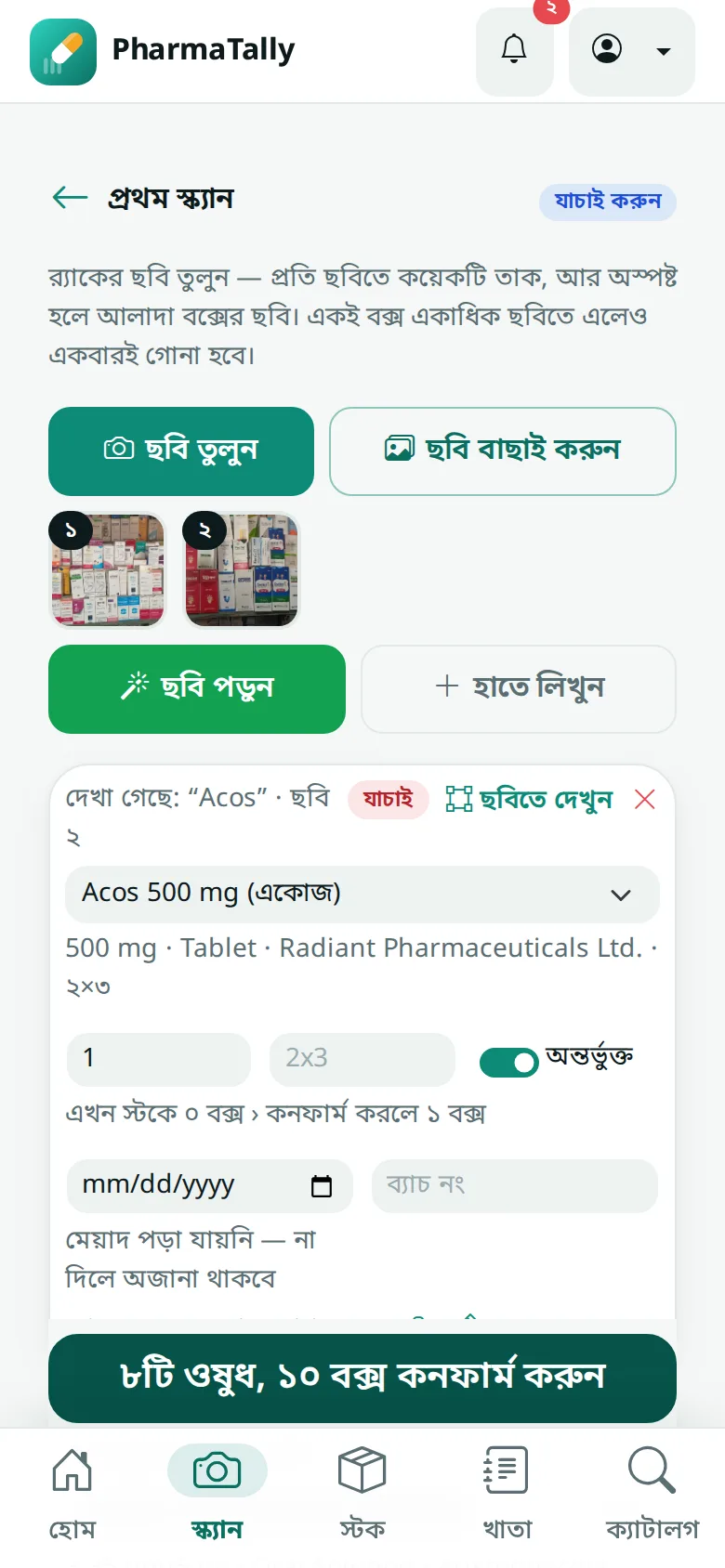
Three steps, a few minutes a day.
Photograph a few shelves at a time, or the boxes that just arrived. Overlapping photos are fine: each box is counted once.
Each medicine appears with its count, matched to the catalog. Tap to see its boxes outlined on the photo, and fix anything in a tap.
One tap updates your stock. Every change is recorded, and you can undo it later.
AI reads brand, strength, batch and expiry from the packs and counts the boxes, even on Bangla-only labels.
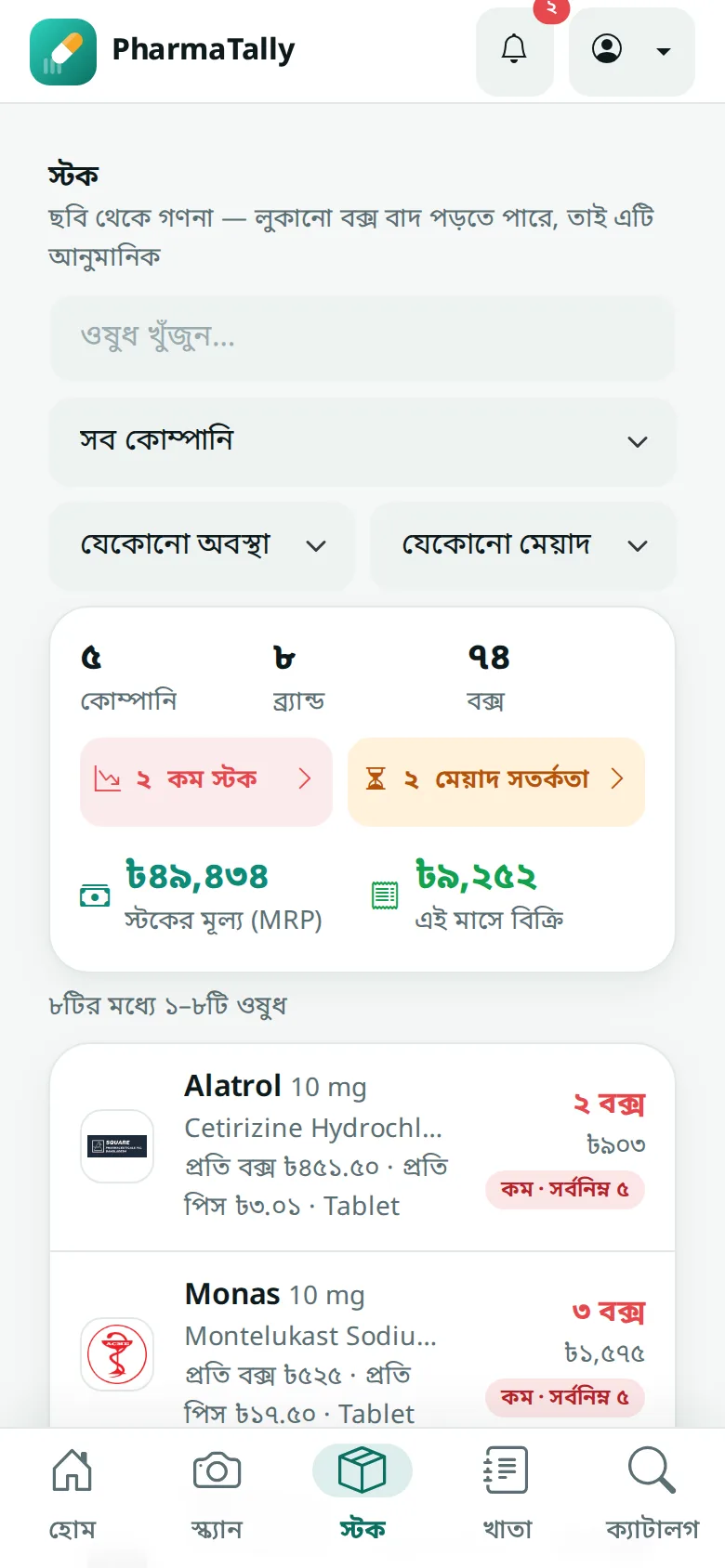
See what is on your shelves, batch by batch, with a full history of every change. Add or take boxes by hand whenever you need to.
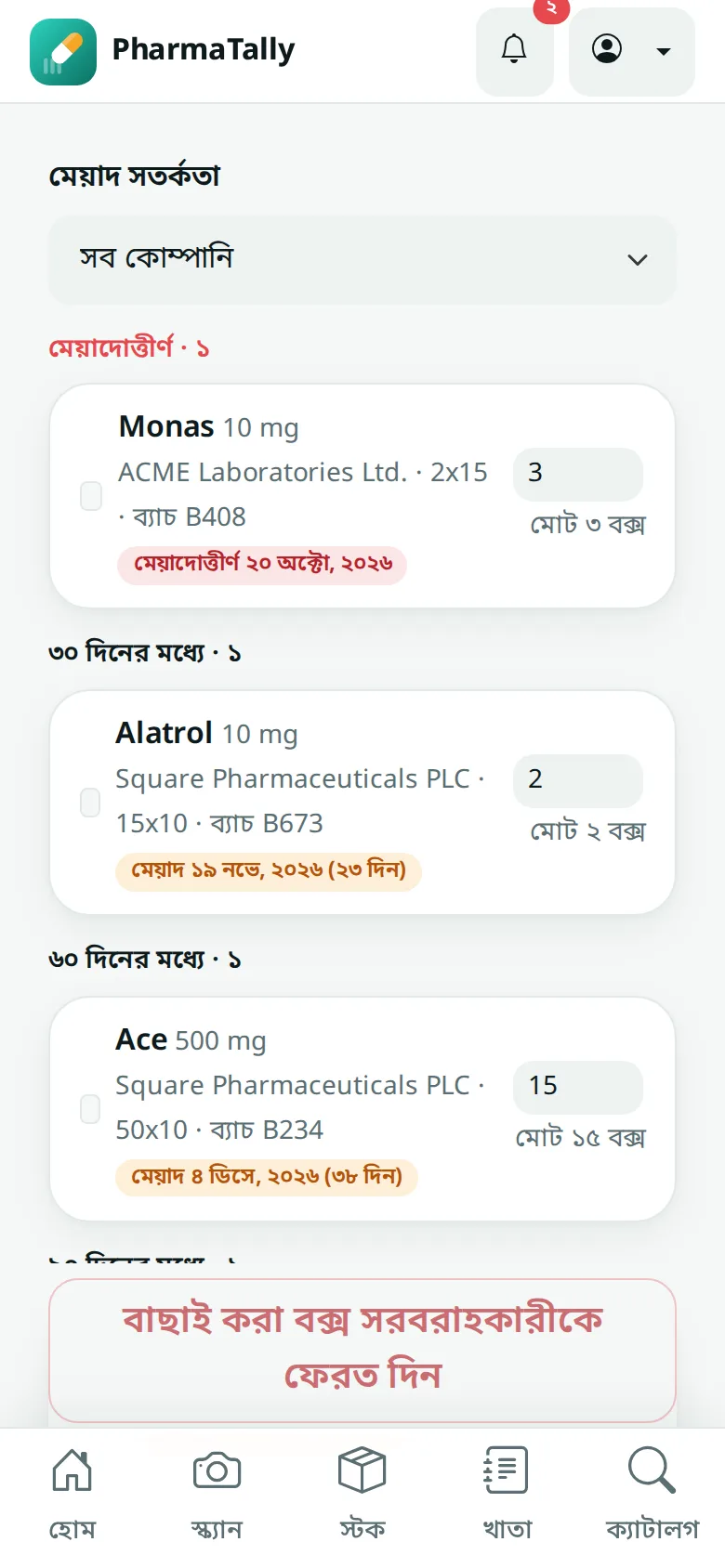
Catch medicines before they expire, and return them to the supplier with a printable list.
Set a minimum for each medicine and see what is running low at a glance.
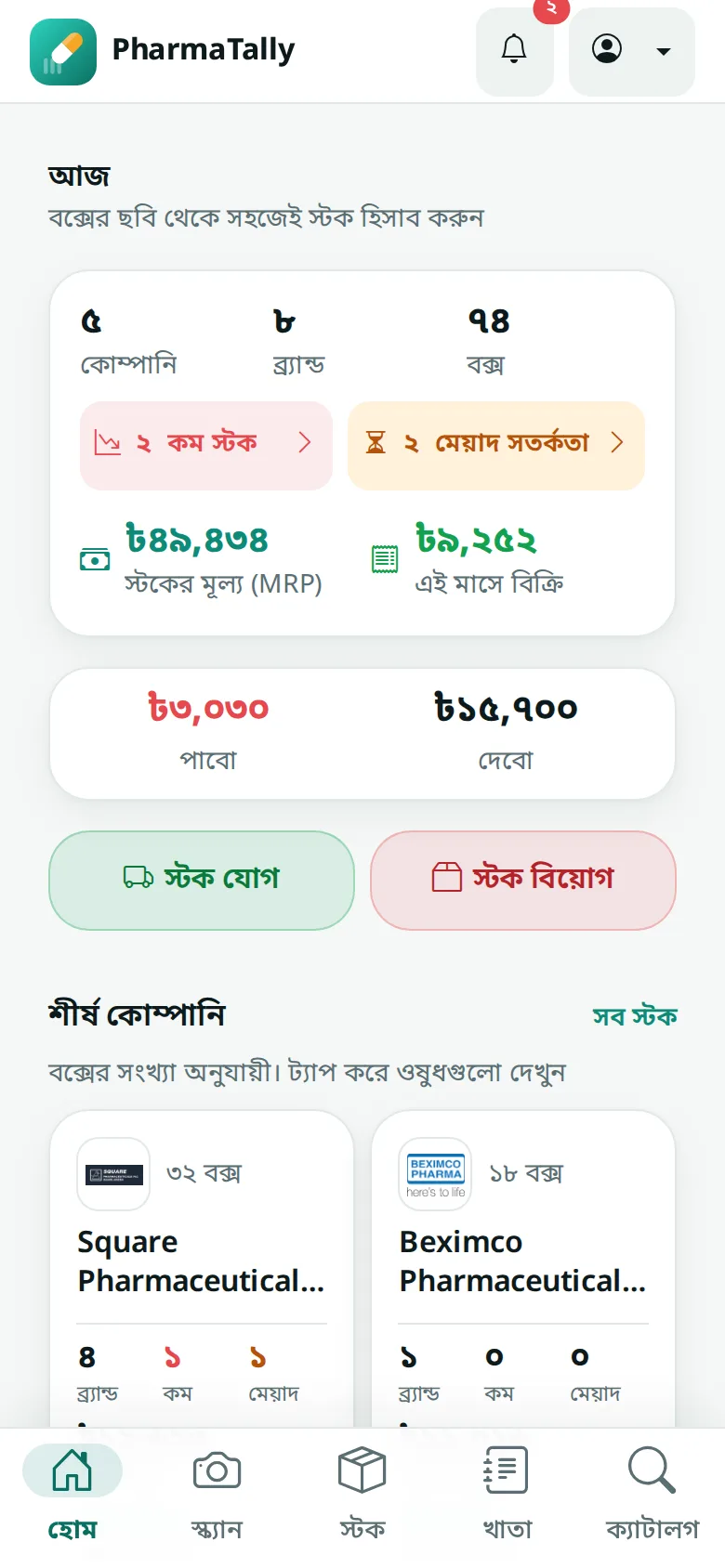
See what your stock is worth at MRP and how much you've sold this month, updated with every scan.
Each company's brands, boxes, low stock, expiry, stock value and sales on one card. Tap one to see its medicines.
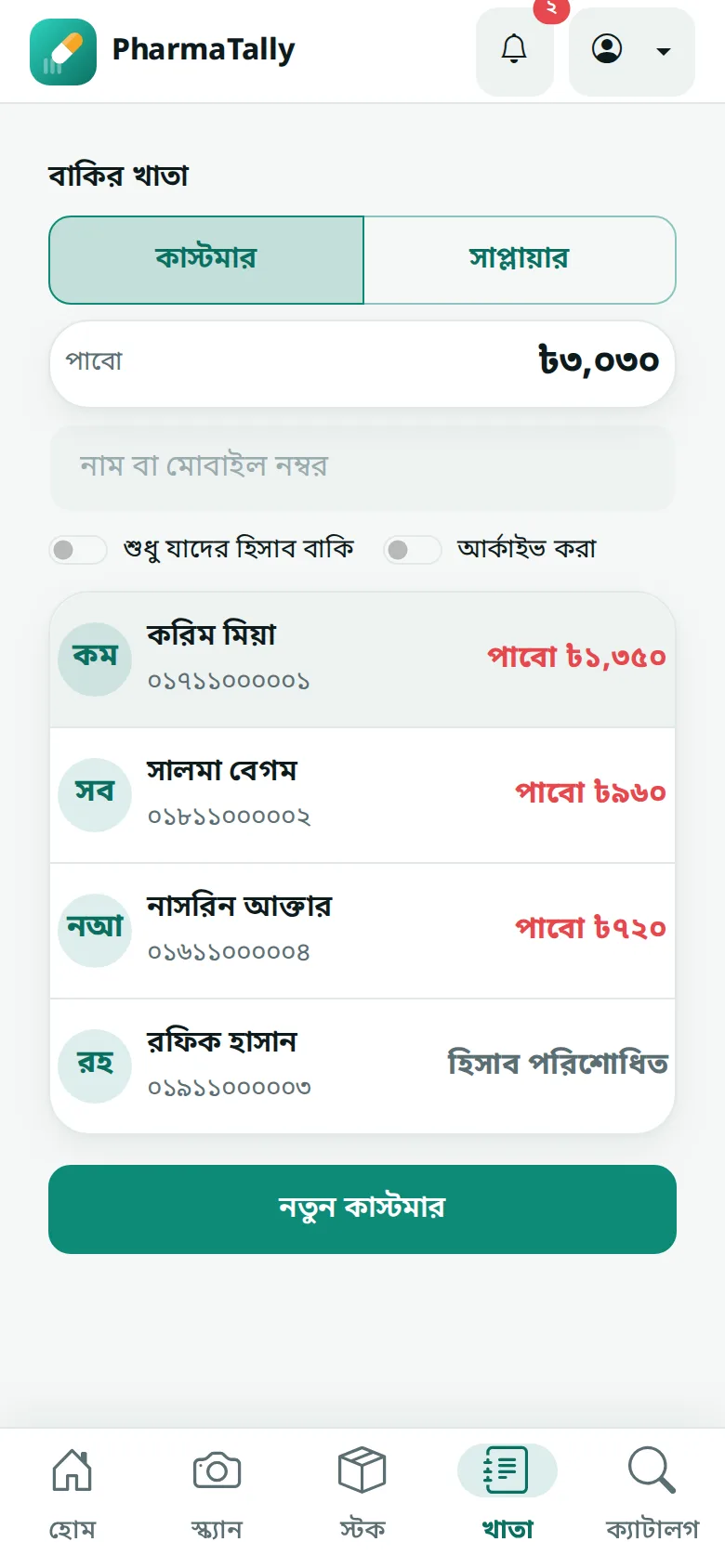
Keep what customers owe you and what you owe suppliers, with every payment. Send reminders and statements on WhatsApp in one tap.
Search thousands of local brands by brand or generic name, with Bangla names and medicine information.
Use the Android app at the counter and the web app on any computer, with the same account.
Start free. Pay only if PharmaTally helps.
30 days
200 photo scans a month
365 days · about ৳353 a month
200 photo scans a month
Pay with bKash and enter the transaction ID in the app.
Counts from photos are estimates: boxes hidden behind others can be missed. You check every item before it is saved, and you can correct a count at any time.
Only the people in your pharmacy's account. Photos are read with Google's AI to count the boxes. We don't sell your data.
Send the amount with bKash, then enter the transaction ID in the app. Your access is extended once we confirm it.
Your stock stays and you can still view it. To record new photos and changes, choose a plan.
Yes. Use the Android app or the web app in any browser; both use the same account and stock.
Yes. Photos are read online, so an internet connection is needed to scan and to see your stock.